
Updated:
English & Hindi • SSC CHSL / DEO • Railway / RRB • Configurable Pass Limits
Get test texts and set up practice tests with pass limits for SSC CHSL (LDC/JSA typing), SSC CHSL DEO (key depressions per hour) and Railway/RRB typing skill tests.
Practice in English and Hindi, create timed tests, and track WPM and accuracy in TypingMaster 12 Premium.
Many central and state government jobs in India include a government typing exam (skill test) after the written exam. The most common ones:
Always check the official notification for your post. For Hindi, see our Hindi typing test and InScript tutor.
Use TypingMaster 12 Premium to practice and configure government exam typing tests for India.
Set pass limits for speed and accuracy. For data entry posts measured in key depressions per hour (KDPH), convert the target to WPM: WPM ≈ KDPH ÷ 60 ÷ 5.
Use the same workflow to prepare for SSC CHSL, SSC DEO, and Railway/RRB typing skill tests.
Practice realistic typing exams and configure pass limits for speed and accuracy.
Supports English typing tests and Hindi (Unicode) typing using the InScript layout and fonts like Mangal/Nirmala UI (Remington GAIL: limited; Kruti Dev: not supported).
Below are ready-to-use exam profiles and how to configure them in TypingMaster 12.
Use this guide to create skill assessment in TypingMaster 12 and apply official-style pass limits for popular exams (SSC CHSL typing test, SSC DEO key depressions/hour, Railway/RRB typing skill test). You can practice in English or Hindi and copy your own passages for mock tests.
For English writing tests, use your normal QWERTY layout. For Hindi writing tests, we support testing with Windows Hindi InScript layout, where keystrokes produce Unicode Hindi characters with fonts like Mangal or Nirmala UI.
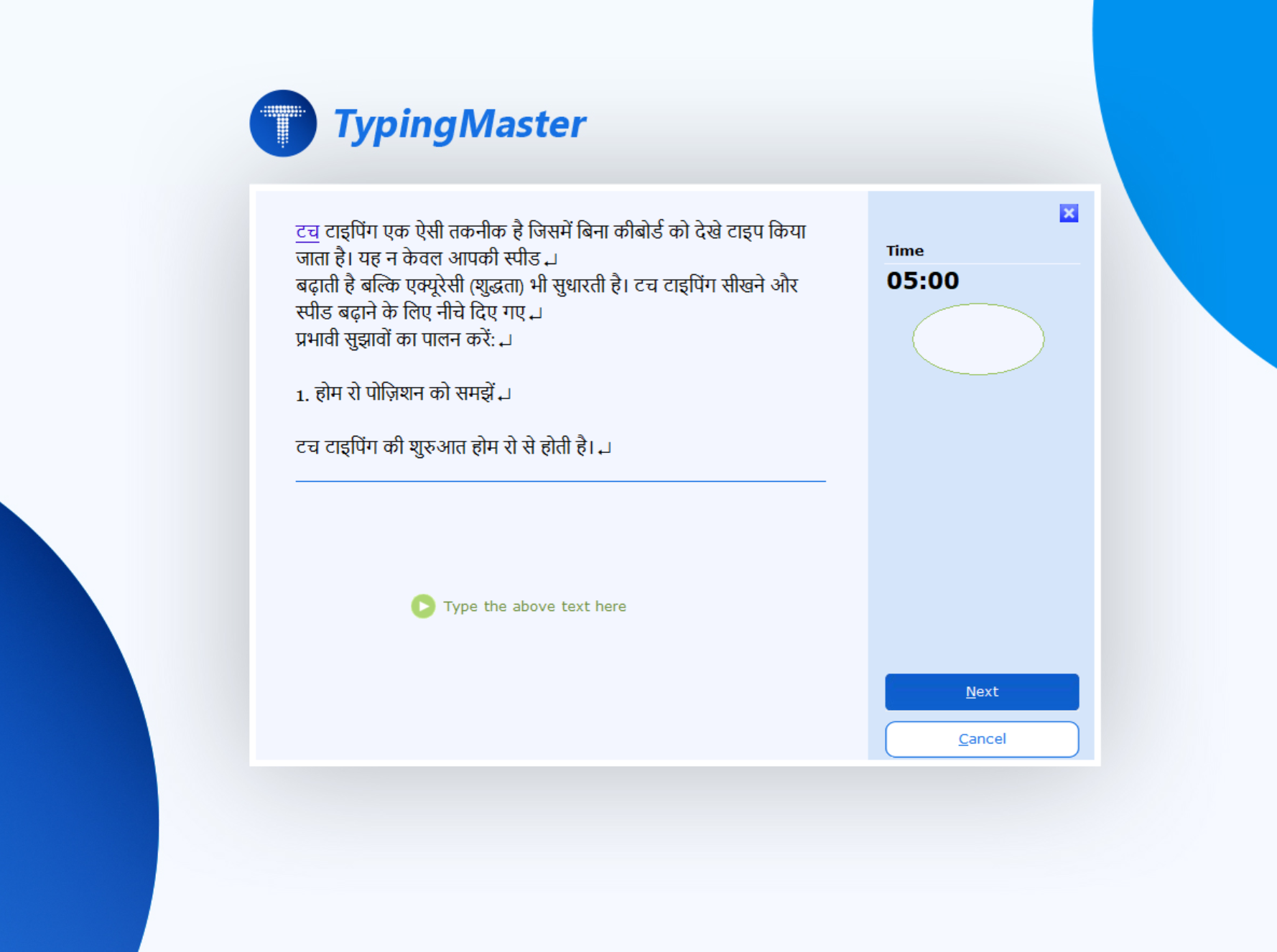

Use these common exam profiles to configure your practice tests. Recruitment rules can vary by notification year and post, so treat these as a practical starting point for setting test duration and pass limits.
| Exam / Post | Language | Duration | Pass limit (typical) | How to configure in TypingMaster 12 |
|---|---|---|---|---|
| SSC CHSL Typing Test (LDC/JSA) | English | 10 min | 35 WPM (≈10500 key depressions/hour) | Typing Test → Add → set Time = 10:00. Set Gross WPM pass limit = 35. (Optional) set Accuracy pass limit (e.g., 95%). |
| SSC CHSL Typing Test (LDC/JSA) | Hindi | 10 min | 30 WPM (≈9000 key depressions/hour) | Hindi keyboard of your choice (InScript in TypingMaster). Typing Test → Add → Time = 10:00. Set Gross WPM pass limit = 30. (Optional) set Accuracy pass limit. |
| SSC CHSL – DEO / DEO Grade ‘A’ (Ministry of Consumer Affairs, Food & Public Distribution; Ministry of Culture; SSC) | English | 15 min | 15,000 key depressions/hour (passage ≈ 3,700–4,000 key depressions; aim for ≈ 3,750 correct) | Typing Test → Add → Time = 15:00. Use a passage of about 3,700–4,000 keystrokes and set Gross WPM ≈ 50 (15,000 ÷ 60 ÷ 5). |
| SSC CHSL – DEO (other departments) | English | 15 min | 8,000 key depressions/hour (passage ≈ 2,000–2,200 key depressions; aim for ≈ 2,000 correct) | Typing Test → Add → Time = 15:00. Use a passage of about 2,000–2,200 keystrokes and set Gross WPM ≈ 27 (8,000 ÷ 60 ÷ 5). |
| Railway / RRB Typing Skill Test | English | 10 min | 30 WPM (with error allowance rules) | Typing Test → Add → Time = 10:00. Set Gross WPM = 30. If your institute uses "net speed” rules, also set a Net WPM pass limit. |
| Railway / RRB Typing Skill Test | Hindi | 10 min | 25 WPM (with error allowance rules) | Notice: Hindi typists must be familiar with the Krutidev or Mangal font. Mangal = Unicode Hindi → practise with InScript. Typing Test → Add → Time = 10:00. Set Gross WPM = 25. |
Official sources: SSC CHSL 2025 notification; SSC CHSL 2019 skill test notice; RRB NTPC Undergraduate 2025 notification (CEN 07/2025); RRB NTPC Graduate (CEN 05/2024) typing skill test notice.
Recruitment bodies use different Hindi typing setups – Unicode Hindi (InScript keyboard, Mangal font) or legacy setups such as Remington or Kruti Dev. The rules can change by year, post and test vendor, so always check the notification for your post.
| Exam | What the notice says about Hindi typing | How to practise with TypingMaster 12 |
|---|---|---|
| SSC CHSL (LDC/JSA) | The 2025 notification fixes speed and time but not the layout. An earlier SSC skill test (CHSL 2019) let candidates choose Hindi Inscript, Krutidev, Remington GAIL or Remington CBI – check the current notice. | Where InScript is offered: Hindi InScript course + timed Hindi tests (30 WPM, 10 minutes). |
| Railway / RRB NTPC | CEN 05/2024: Hindi typists must be familiar with the Krutidev or Mangal font. No keyboard layout is named. | Mangal = Unicode Hindi → practise InScript (25 WPM, 10 minutes). Kruti Dev is not supported in TypingMaster. |
| State boards & CPCT (DSSSB, UPSSSC, RSMSSB, MPESB…) |
Varies by state, post and year – some specify Unicode/Mangal (InScript), others Remington or Kruti Dev. | InScript: full course and tests. Remington GAIL: limited – Universal Course and custom tests only. |
Hindi keyboard support in TypingMaster 12: InScript (Unicode / Mangal) – full support: Hindi course, games and tests · Remington GAIL – limited: Universal Course and custom tests only · Kruti Dev – not supported · Hindi Phonetic / Google Input Tools – not supported. If your notification requires Kruti Dev, TypingMaster 12 cannot prepare you for that layout. See the Hindi keyboard guide.
TypingMaster 12 allows users to both import and export custom typing tests, making it easy to create, save, share, and reuse personalized typing practice exercises for different skill levels and training needs.
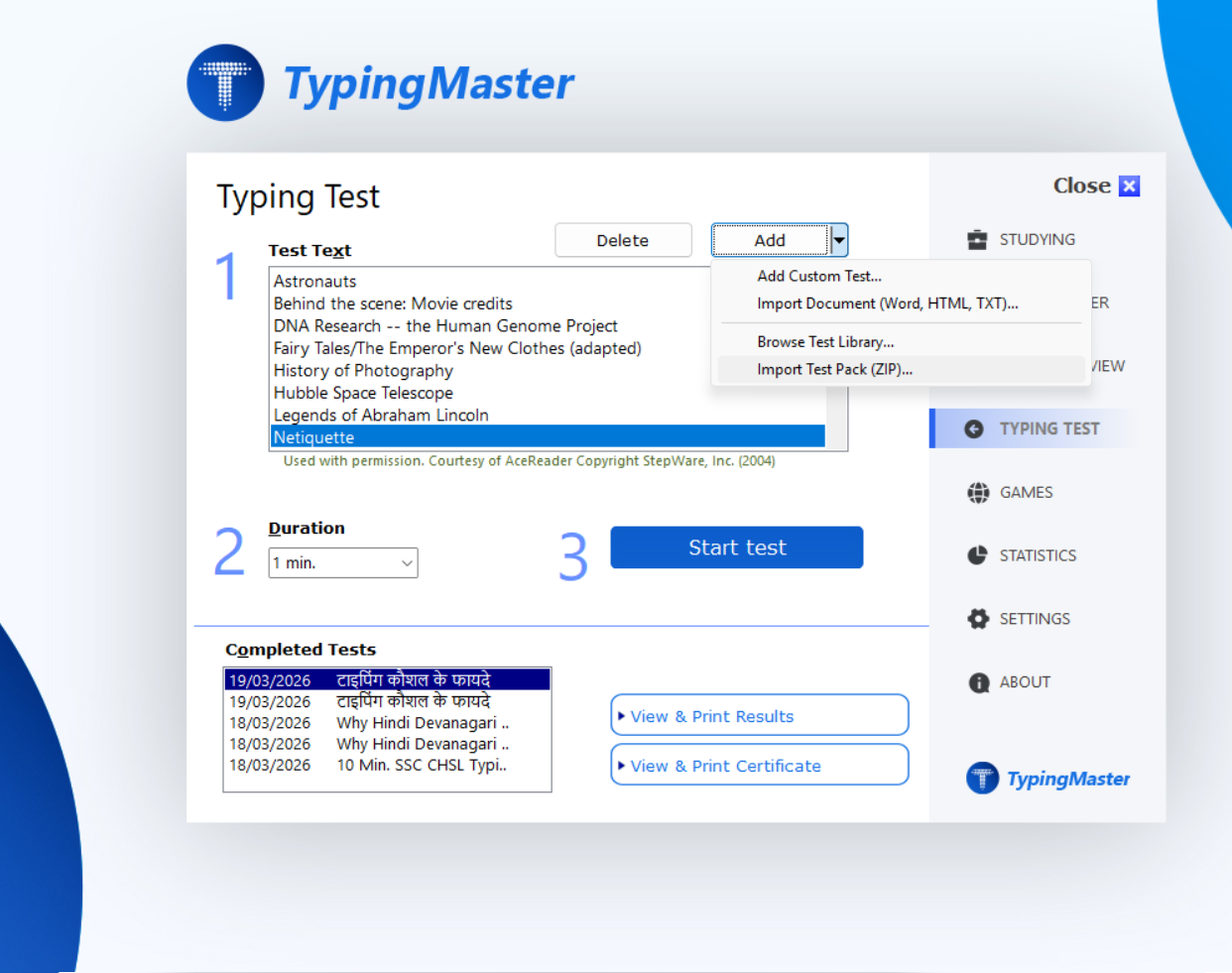
Practice state recruitment tests with our typing assessment. Pass configured limits for net and gross speed with high accuracy scores required for professional positions.
Not all posts are measured in "words per minute”.
Many typing tests use WPM (e.g., SSC CHSL LDC/JSA), while data-entry posts often use
KDPH (Key Depressions per Hour) (e.g., SSC CHSL DEO).
Quick conversion: KPM = KDPH ÷ 60, and WPM ≈ KPM ÷ 5 (the same ratio SSC uses: 35 WPM ≈ 10,500 KDPH).
In practice: 8000 KDPH ≈ 133 KPM ≈ 26.7 WPM, and 15000 KDPH ≈ 250 KPM ≈ 50 WPM.
Most Indian government typing tests are timed passage typing (often 10 minutes),
while DEO-style skill tests are commonly 15 minutes and measured by key depressions.
Practice with the same constraints: fixed time, no pausing, and a continuous paragraph.
In TypingMaster 12 you can set: Test duration, target speed, and accuracy limit
to practise under similar conditions.
Candidates often fail not because of speed, but because of errors under time pressure.
Train for clean output: avoid overusing backspace, keep a steady rhythm, and reduce repeated-letter mistakes.
Tip: run two practice modes—
(1) Accuracy-first at a comfortable pace, then
(2) Exam-speed with a strict accuracy limit (e.g., 95%).
This is the fastest way to improve "net” performance.
Configure TypingMaster 12 to match real Indian government typing exam requirements:
Track the metrics that matter in government typing tests:
Arrange custom practice tests based on SSC and Railway exam rules: